- All our entries
- Individual Vehicle History

Individual Vehicle History
- Date : 09 July 2025
The individual file history is the place you'll be spending most of your time when tuning with OLSx. In this article, we will go through every aspect and feature of it 👇
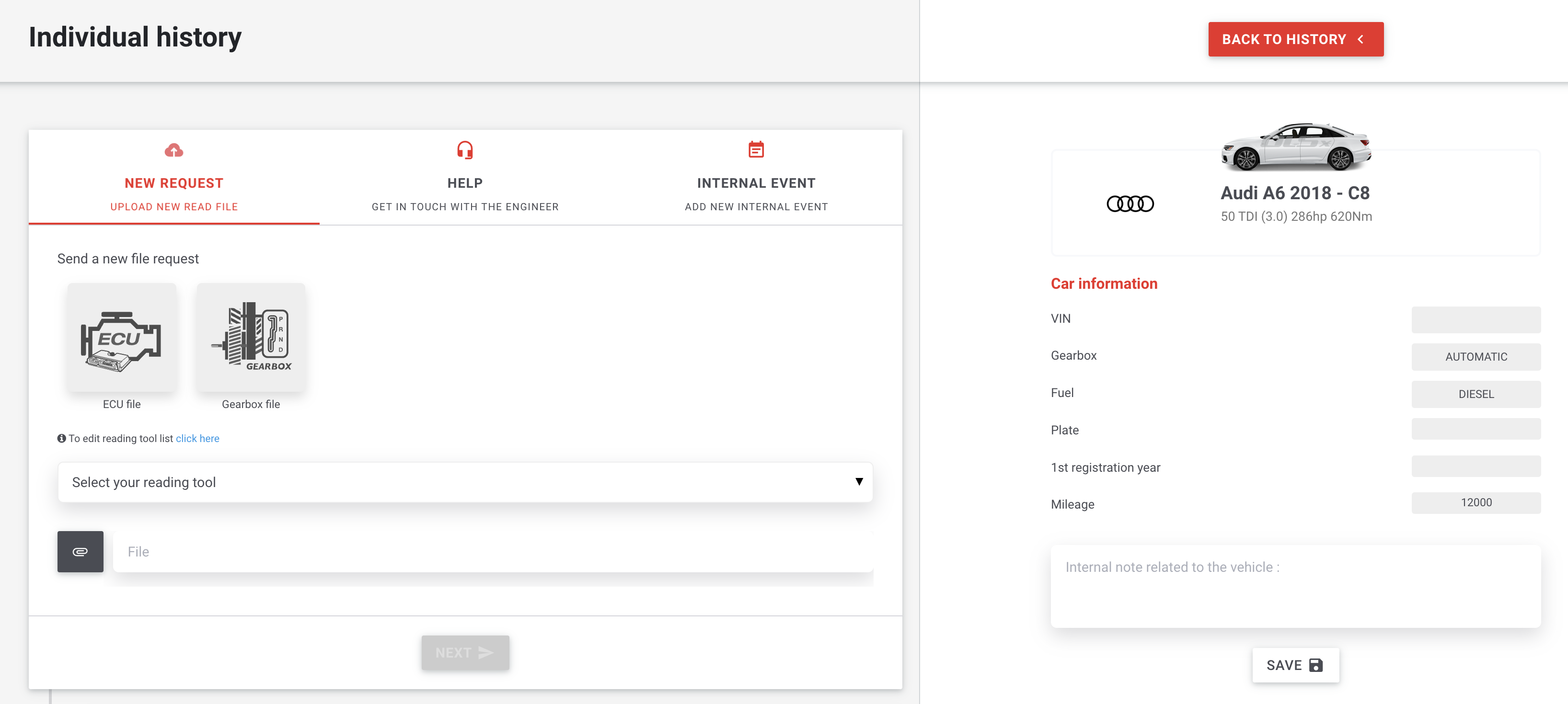
You can think of this history as a timeline used to centralize all of the information and files about a single vehicle. As it is created once you've submitted a new file request, the first item will be the file you sent:
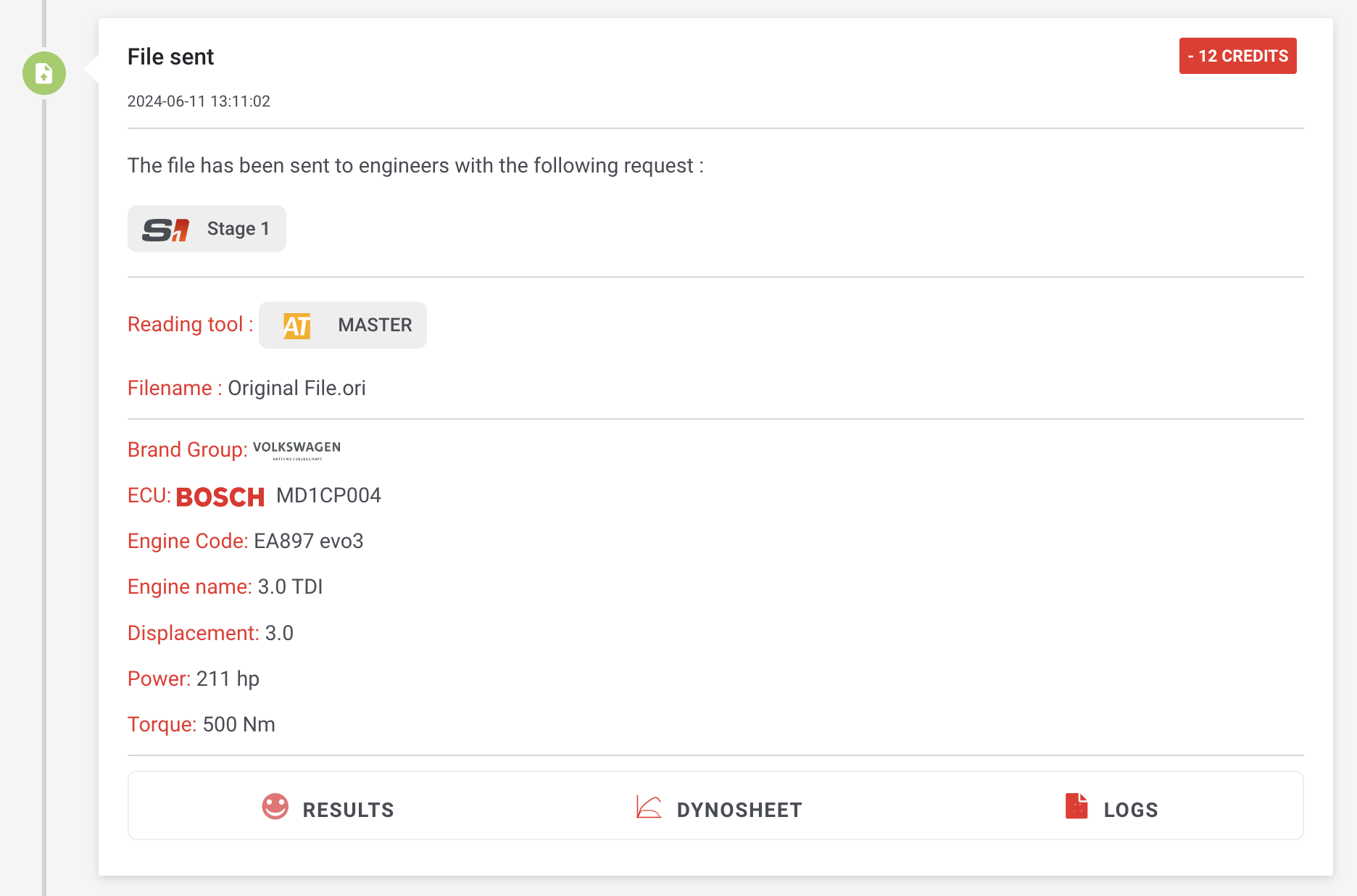
You can upload stock results, dynosheet and logs for the stock file. That will help our team make sure the tuned file is 100% adapted to the vehicle.
Moving up the timeline, you'll see the tuned file you received:
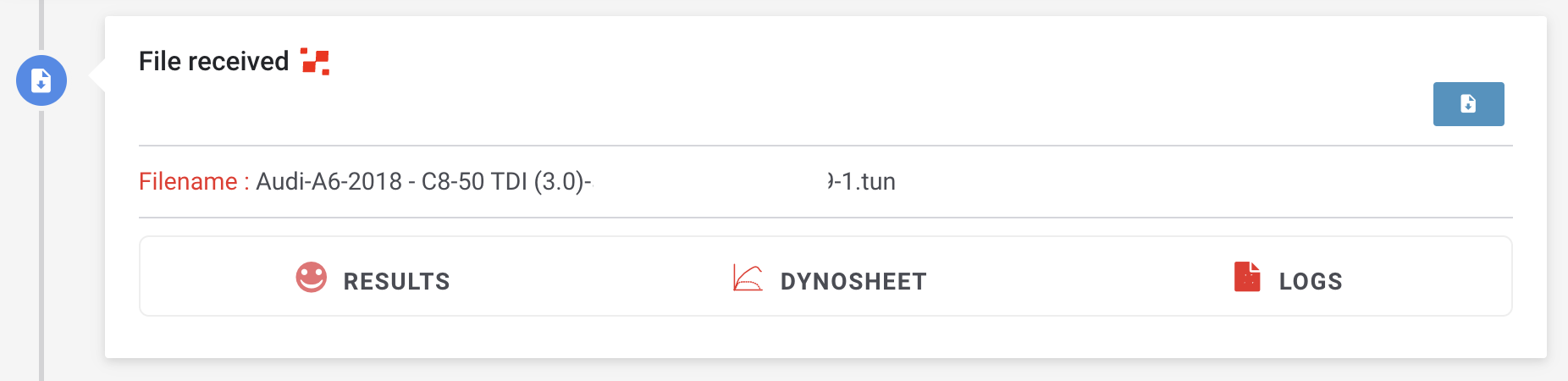
Use the download button in the top-right corner to save that file on your computer. As for the original file, you have options to upload dynosheets, logs and results.
At the very top of the vehicle history, you'll see three tabs:
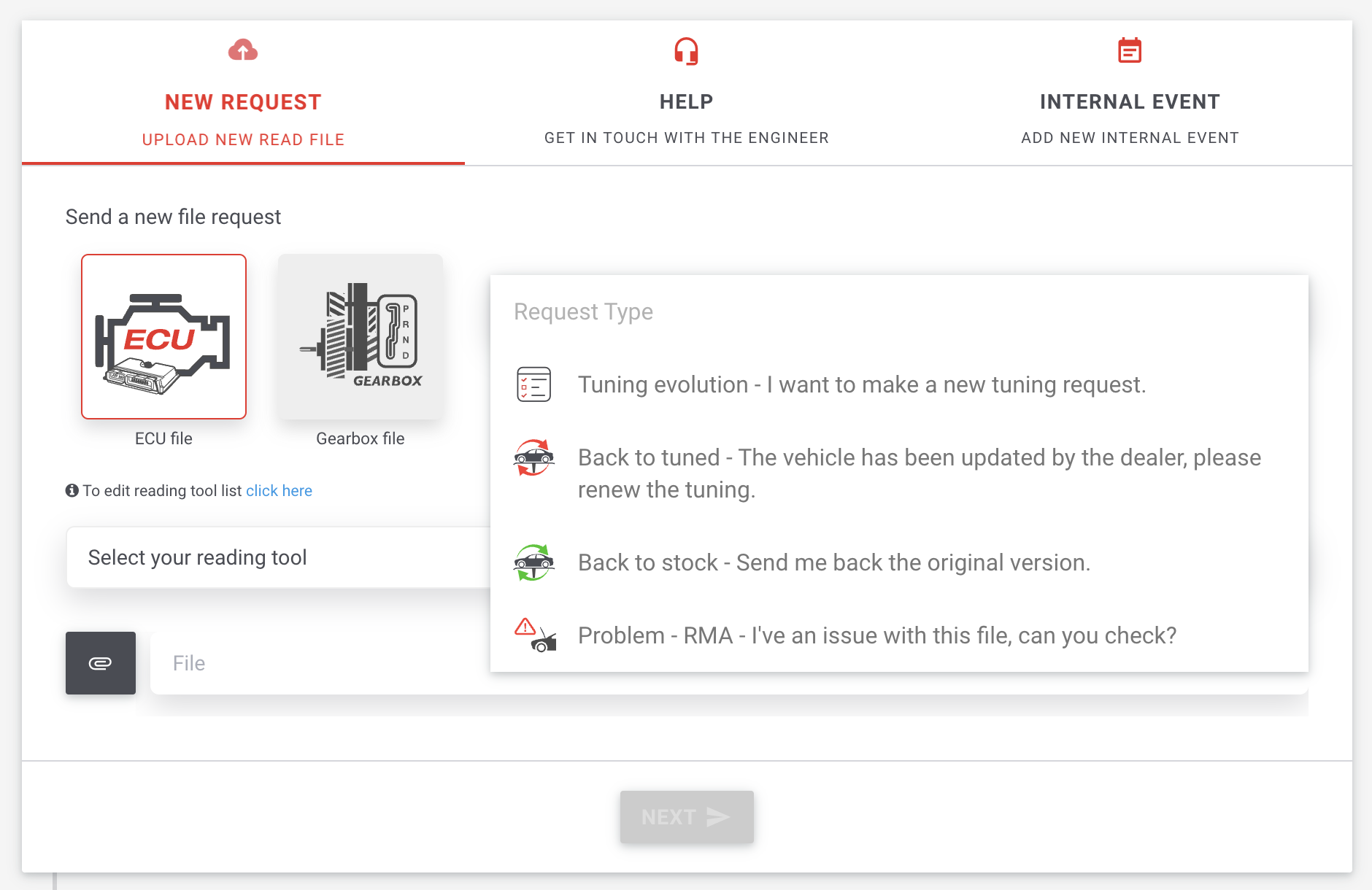
The first one allows you to send a new file (specific to this vehicle), for one of the following reasons:
- Gearbox tuning: you've tuned the ECU and now need to tune the TCU on the same car, select "gearbox file" and start the process;
- Tuning evolution: you've tuned the vehicle and need to upgrade with additional options or move to a stage 2 or stage 3 tuning;
- Back to tuned: the vehicle has been put back to stock by the dealership? No problem, use that option to get a fresh tuned file based on the updated software version of the ECU. Note: this options is free for slave users and paid for master users;
- Back to stock: your customer wants his vehicle back to stock. This option is free for all OLSx users;
- Problem - RMA: this allows you to give our team feedback is you encounter an issue with the tuned file you received.
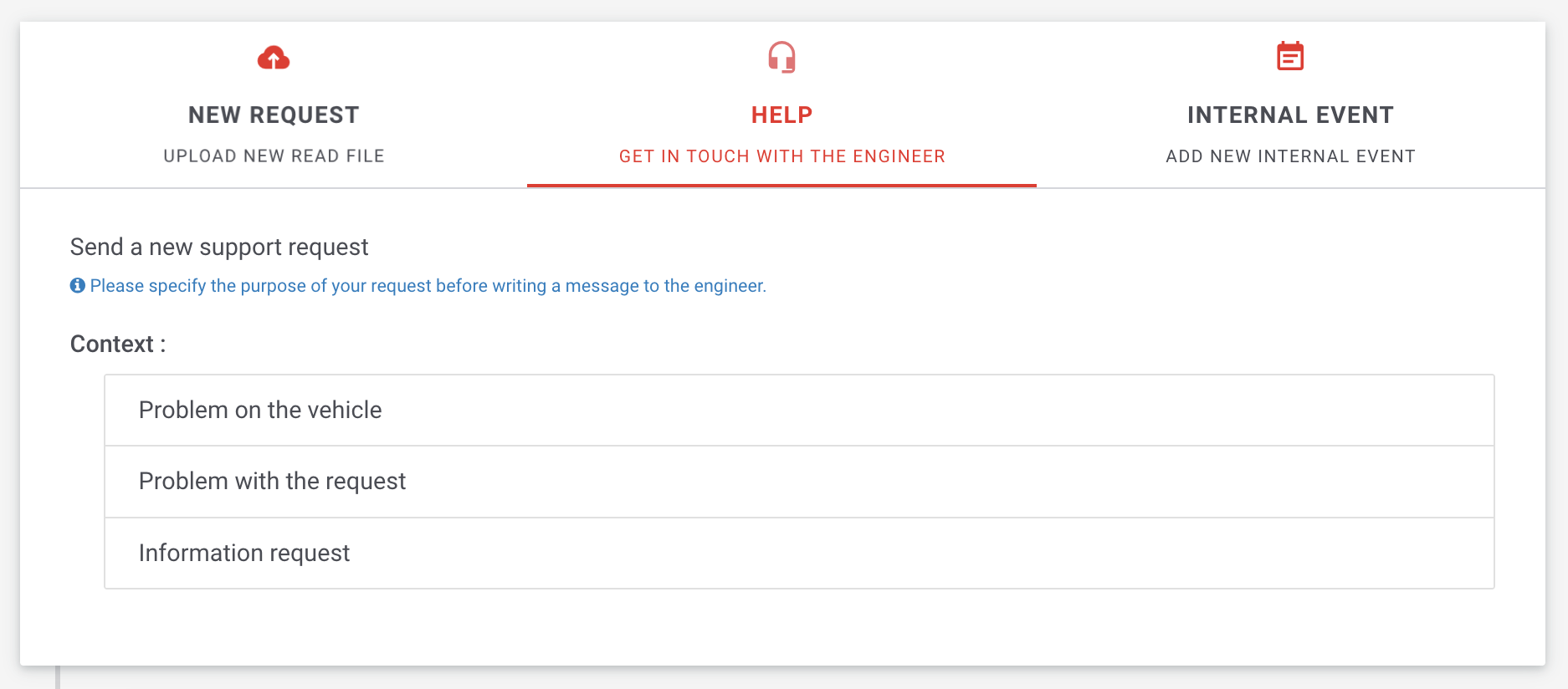
The second tab allows you to contact our team in case you need help with the request. This can be a problem on the vehicle, a problem with the request itself, or a simple information you need:
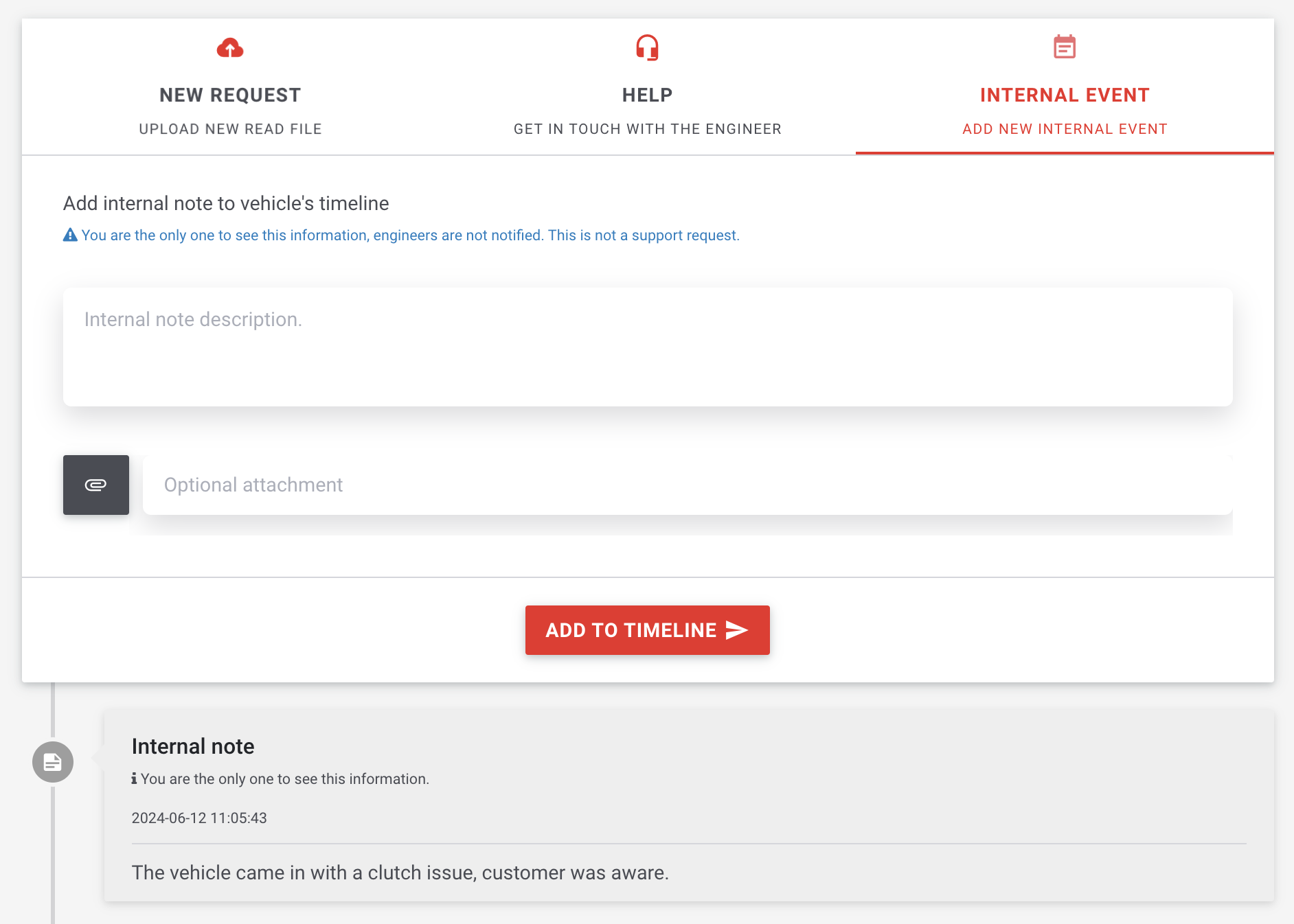
The third tab is for you only. It allows you to add specific note in the vehicle history which you will be the only one to see:

22 October 2025
24 November 2025
09 July 2025
08 July 2025